 Reelsmith
Compress Video Online
Compress video online for free: make a smaller MP4 for email or chat with a lower resolution or quality setting. Nothing is uploaded — it all runs locally.
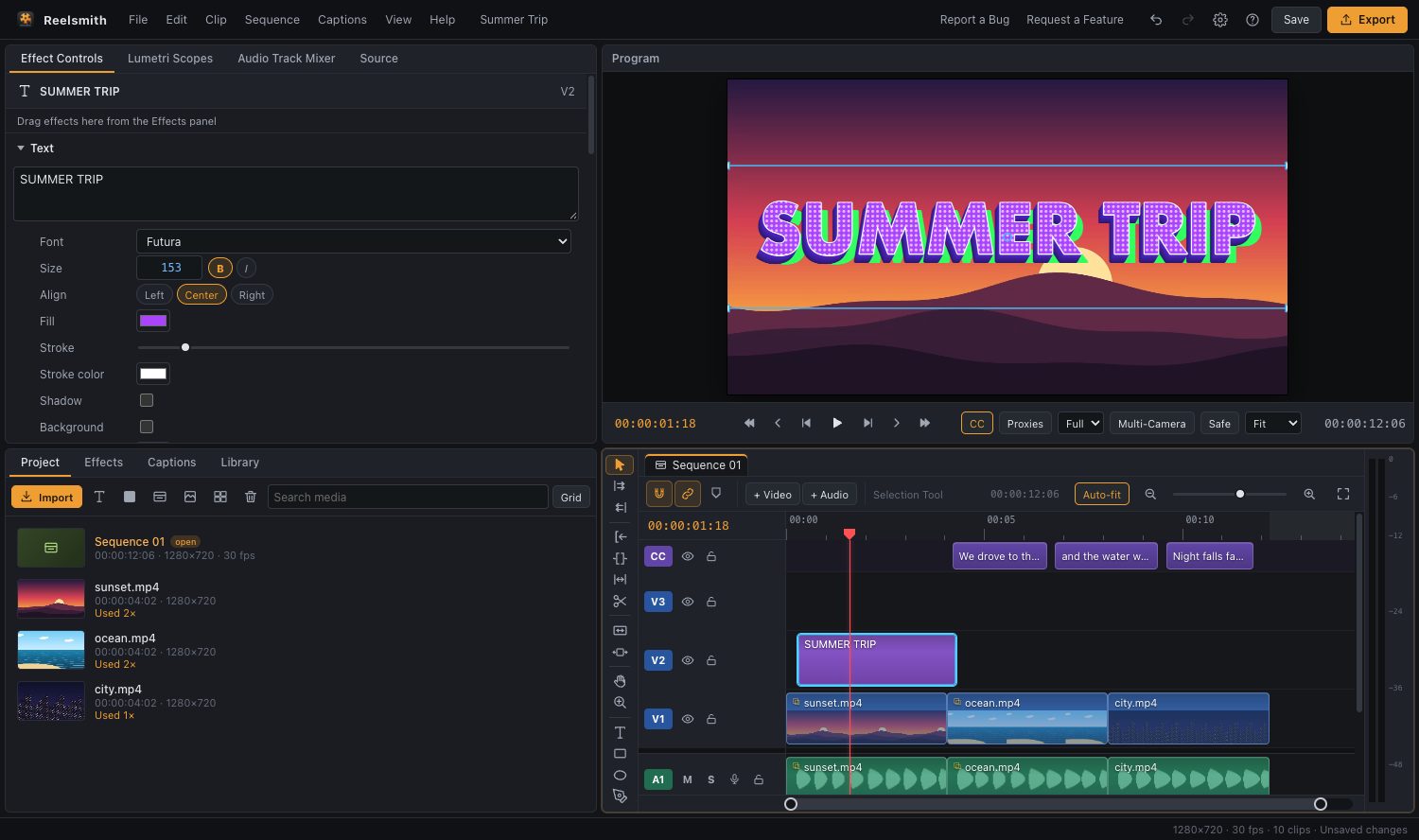
Make a video small enough to email, share in a chat or upload faster. Reelsmith compresses on your own computer, so even big files never leave your device.
How to compress a video
- Click Open the tool above and import your video.
- Drag it onto the timeline.
- Click Export and choose the Review copy (small file) preset — 540p at a lower bitrate.
- Need more control? Choose Custom, then lower the Frame size (for example 1280×720) and set Quality to a lower level.
- Click Export.
What makes a file smaller
- Resolution: 720p files are much smaller than 1080p or 4K, and still look sharp on phones.
- Quality (bitrate): a lower quality setting saves the most space; fine for talking-head videos.
- Length: trim the start and end first — see trim a video.
- Format: VP9 (.webm) is often smaller than H.264 at the same quality, but MP4 plays everywhere.
Questions
Is compressing private?
Yes. The file is processed in your browser; there is no upload, so it is also faster than online services for large files.
How small will my file be?
It depends on length and settings. A minute of 540p review copy is usually a few megabytes.
More: Exporting a video.
Try it now — free, no sign-up.Reelsmith runs in your browser. Your videos are never uploaded.
Open the editor