 Reelsmith
Crop Video Online
Crop video online for free: cut away the edges with the Crop effect, reframe with Scale and Position, and export — in your browser with no upload.
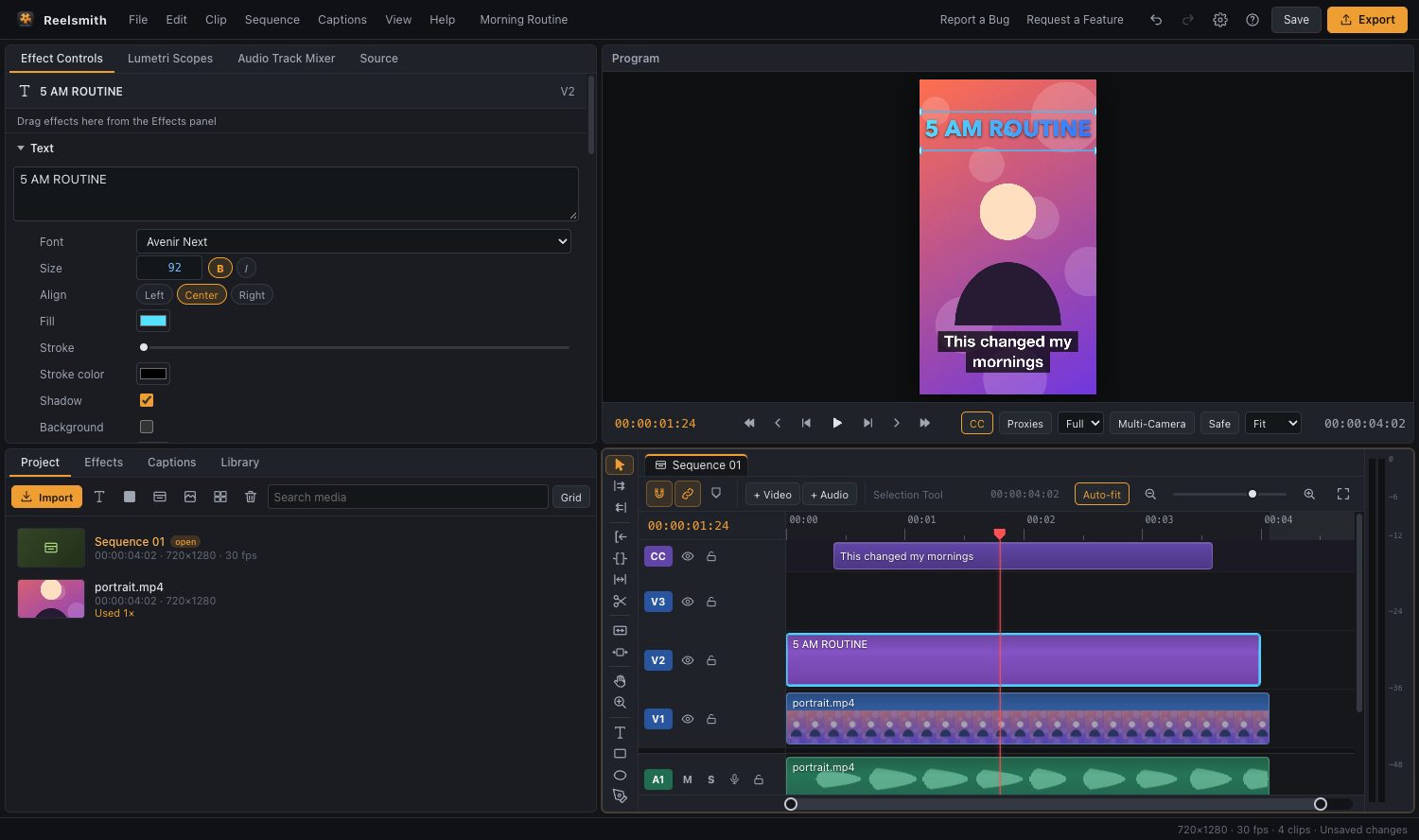
Cut away unwanted edges — a black border, a distracting object, or the sides of a landscape shot. Reelsmith crops in your browser and exports a clean MP4 with no upload.
How to crop a video
- Click Open the tool above and import your video.
- Drag it onto the timeline.
- Drag Crop from Effects ▸ Video Effects onto the clip.
- In Effect Controls ▸ Crop, raise Left, Right, Top and Bottom until only the part you want remains.
- Click Export.
Crop and fill the frame
The Crop effect hides the edges, which leaves empty space. To fill the frame again, raise Scale in Effect Controls ▸ Motion and drag the picture in the Program monitor to frame your subject.
Change the shape instead
To turn a landscape video into a vertical or square one, change the frame itself: choose Sequence ▸ Sequence Settings… and pick Vertical 9:16 or a square preset, then scale the clip to fill it. See how to resize a video.
Questions
Can I crop only part of the video?
Yes. Split the clip with ⌘K (Ctrl+K) and apply Crop to one piece. You can also keyframe the crop values in Effect Controls.
Will cropping lower the quality?
Scaling a cropped picture up makes it softer. Export at the sequence size with Match Source for the best result.
More: Crop, Transform, Drop Shadow and other video effects.