 Reelsmith
Rotate or Flip a Video Online
Rotate a video 90 or 180 degrees, fix a sideways phone clip or mirror it with a flip — free in your browser, with no upload and no watermark.
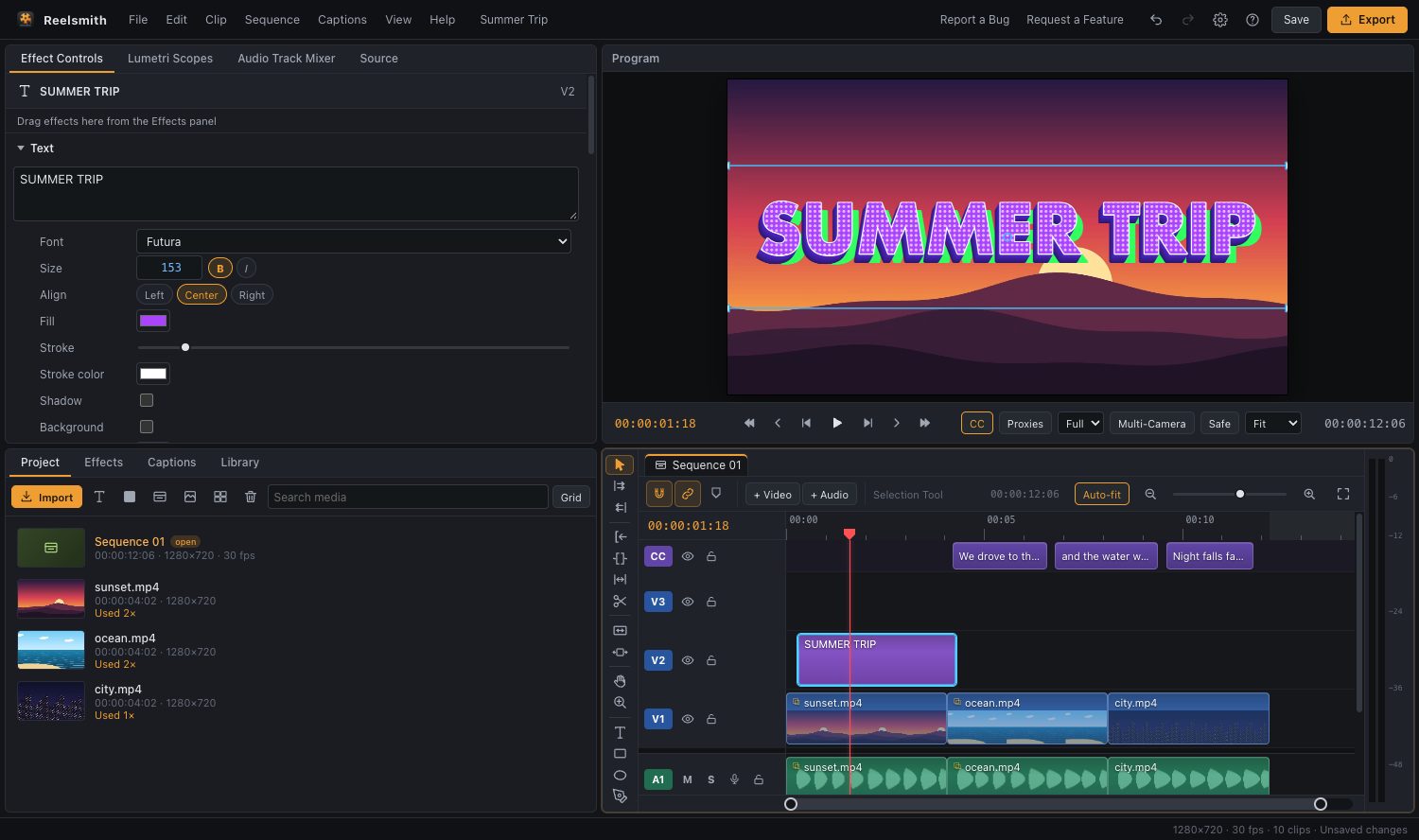
Filmed sideways or upside down? Rotate the video by 90° or 180°, straighten a slightly tilted shot, or mirror it with a flip — then export a fixed copy.
How to rotate a video
- Click Open the tool above and import your video.
- Drag it onto the timeline and select it.
- In Effect Controls ▸ Motion, type 90, 180 or −90 in Rotation.
- If the rotated picture no longer fits, raise Scale — or switch the sequence to vertical in Sequence ▸ Sequence Settings….
- Click Export.
How to flip (mirror) a video
Drag Horizontal Flip or Vertical Flip from Effects ▸ Video Effects onto the clip. Horizontal Flip is the usual fix for selfie videos where text appears backwards.
Straighten a tilted horizon
Small values like 2 or −1.5 in Rotation level a crooked shot. Raise Scale slightly to hide the corners.
Questions
Can I rotate only part of a video?
Yes. Split the clip with ⌘K (Ctrl+K) and rotate one piece, or add Rotation keyframes to animate it.
Will the rotated video keep its quality?
Yes for 90° and 180°. Export with Match Source – High bitrate.
More: Effect Controls and keyframes and video effects.