 Reelsmith
Trim Video Online
Trim video online for free: cut the start and end, remove parts from the middle and export MP4 — in your browser, with no upload and no watermark.
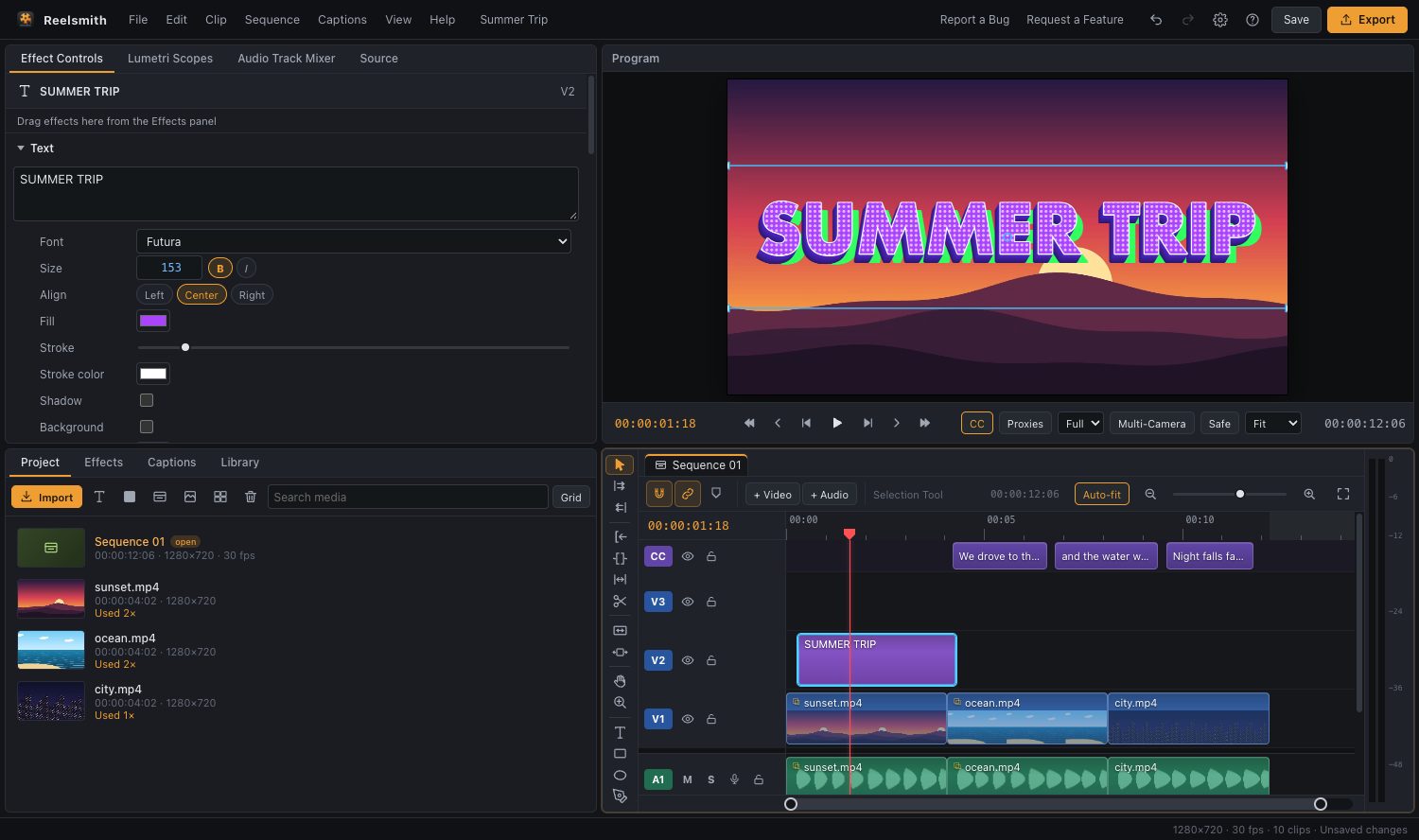
Trim a video to the part you want in seconds. Reelsmith is a full editor in your browser, so you can cut the start and end, remove pieces from the middle and export a new MP4 — without uploading anything.
How to trim a video
- Click Open the tool above and import your video.
- Drag it onto the timeline.
- Trim the start or end: move the mouse to the edge of the clip until the cursor changes, then drag inwards.
- Remove a part in the middle: press C for the razor tool and click at the start and end of the part. Press V to go back to the selection tool, click the piece and press ⇧Delete (Ripple Delete) so the gap closes.
- Click Export.
Trim precisely
- Zoom the timeline with the + and − buttons (or = and −) to work frame by frame.
- Press ← / → to step one frame, then ⌘K (Ctrl+K) to split at the playhead.
- Want only one section? Press I and O to set In and Out points, then choose Range ▸ Sequence In/Out when you export.
Questions
Will trimming reduce the quality?
The export is re-encoded. Choose Match Source – High bitrate to keep it as close to the original as possible.
Is there a file size limit?
No server limit — files open from your own computer, so the only limit is your device.
Can I trim a video on my phone?
Yes. Drag the clip edges with your finger, and long-press for the clip menu.
More: Selecting, moving and trimming clips and Splitting clips.
Try it now — free, no sign-up.Reelsmith runs in your browser. Your videos are never uploaded.
Open the editor