 Reelsmith
Add Music to Video Online
Add music to a video online for free: put a song under your clip, fade it in and out, and lower it automatically when someone speaks. No upload.
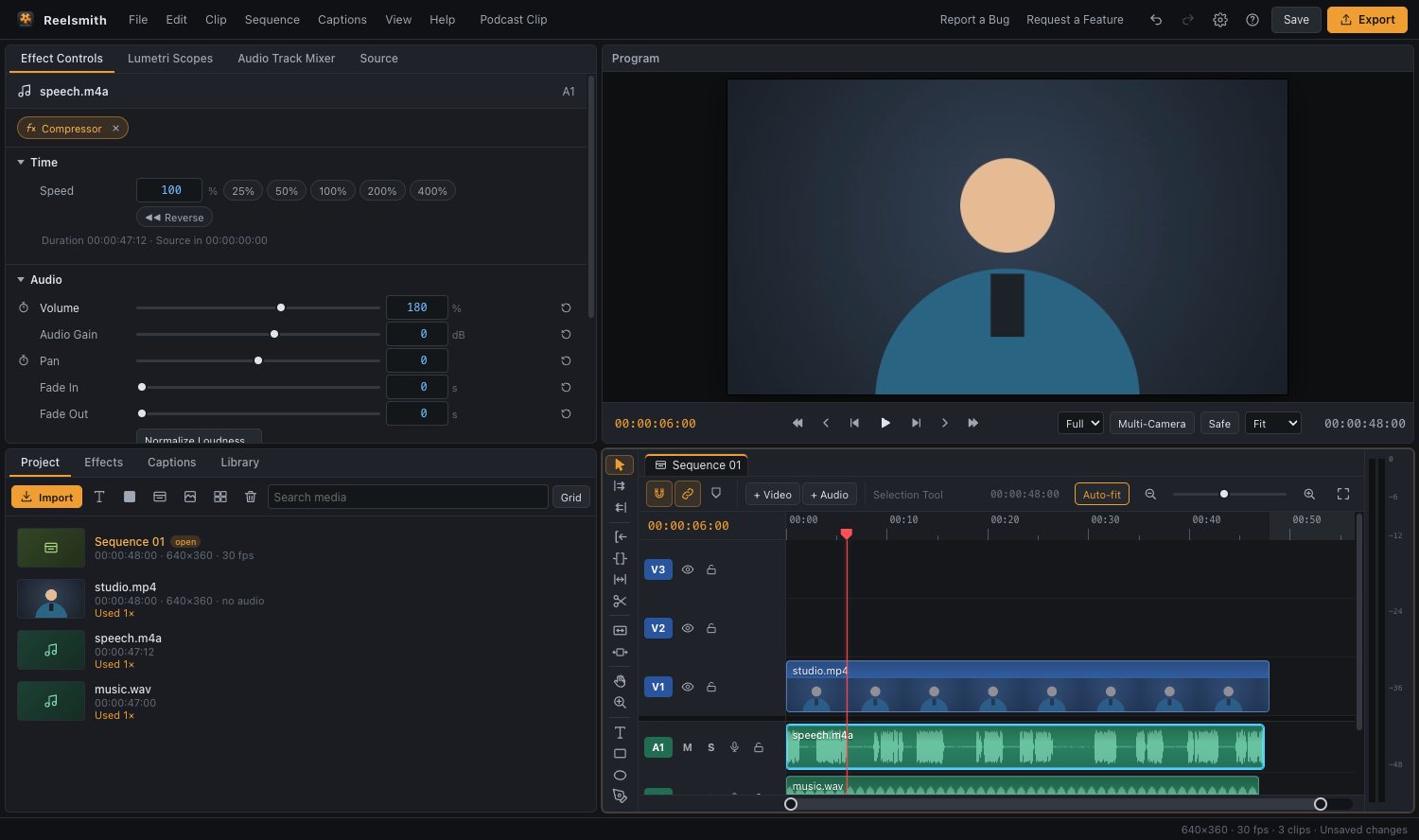
Put a song or background track under your video, fade it in and out, and keep it from drowning out the voice — free, in your browser.
How to add music to a video
- Click Open the tool above and import your video and your music file (MP3, WAV or M4A).
- Drag the video onto V1 and the music onto an empty audio track below it.
- Drag the end of the music clip to match the video's length, or press ⌘K (Ctrl+K) to cut it.
- Fade it: select the music and set Fade In and Fade Out in Effect Controls ▸ Audio.
- Click Export.
Keep the voice clear
Select the music and apply Effects ▸ Smart Audio ▸ Auto Duck Music Under Voice. Reelsmith lowers the music by 14 dB wherever someone speaks, with smooth ramps you can adjust. For a constant level, lower Volume instead.
Use the sound effects library
Effects ▸ Sound Effects has 19 original sounds — whoosh, pop, ding, applause and more. Double-click one to add it at the playhead.
Questions
Can I replace the original sound?
Yes. Unlink the clip with ⌘L (Ctrl+L), select its audio and press Delete, then add your music. See remove audio from a video.
Can I add more than one song?
Yes. Place songs one after another, and drag Constant Power from Effects ▸ Audio Transitions between them for a crossfade.
More: Working with audio and Voice effects, sound effects and auto ducking.