 Reelsmith
Reverse a Video Online
Reverse a video online for free: play a clip backwards, combine it with slow motion or a freeze frame, and export MP4 — in your browser, no upload.
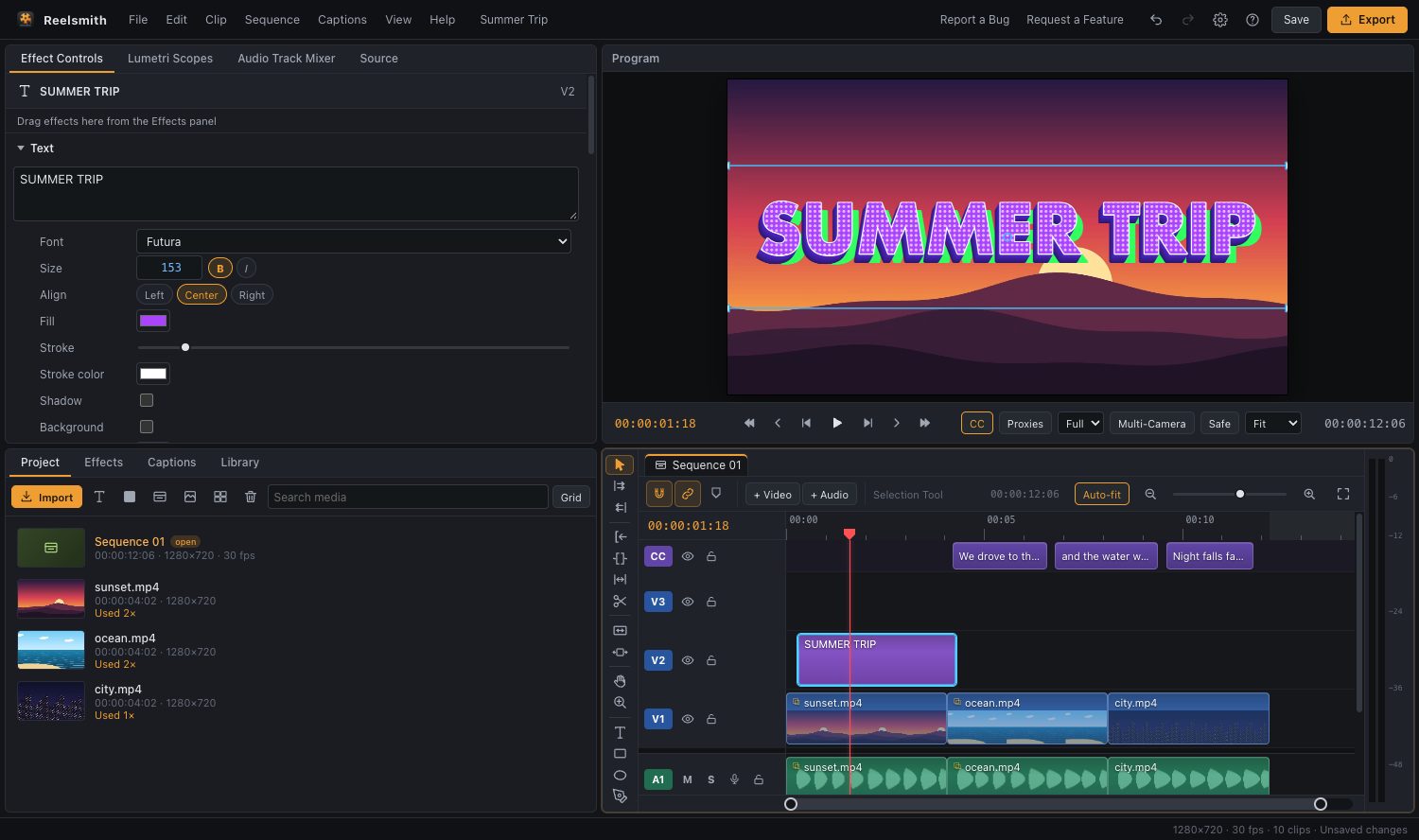
Play a clip backwards — water flowing up, a jump in reverse, a "rewind" effect. Reelsmith reverses any clip in one click and exports it as MP4.
How to reverse a video
- Click Open the tool above and import your video.
- Drag it onto the timeline and select it.
- Choose Clip ▸ Reverse Clip — or click Reverse in Effect Controls ▸ Time.
- Press Space to preview, then click Export.
Popular reverse effects
- Rewind: play a moment forwards, then a reversed copy straight after. Duplicate the clip with Edit ▸ Duplicate, place it after the original and reverse the copy.
- Slow reverse: reverse it, then set 50 % in Clip ▸ Speed/Duration….
- Boomerang: a short clip forwards, reversed, forwards again — ideal for Reels.
Questions
Can I reverse only part of a clip?
Yes. Split it with ⌘K (Ctrl+K) and reverse one piece.
Does reversing reduce quality?
No more than any export. Choose Match Source – High bitrate to keep it sharp.
More: Freeze frames, reverse and speed ramps.
Try it now — free, no sign-up.Reelsmith runs in your browser. Your videos are never uploaded.
Open the editor