 Reelsmith
Video to GIF Converter
Convert video to GIF online for free: pick the moment, choose the size and frame rate, and save a looping GIF. Runs in your browser — nothing is uploaded.
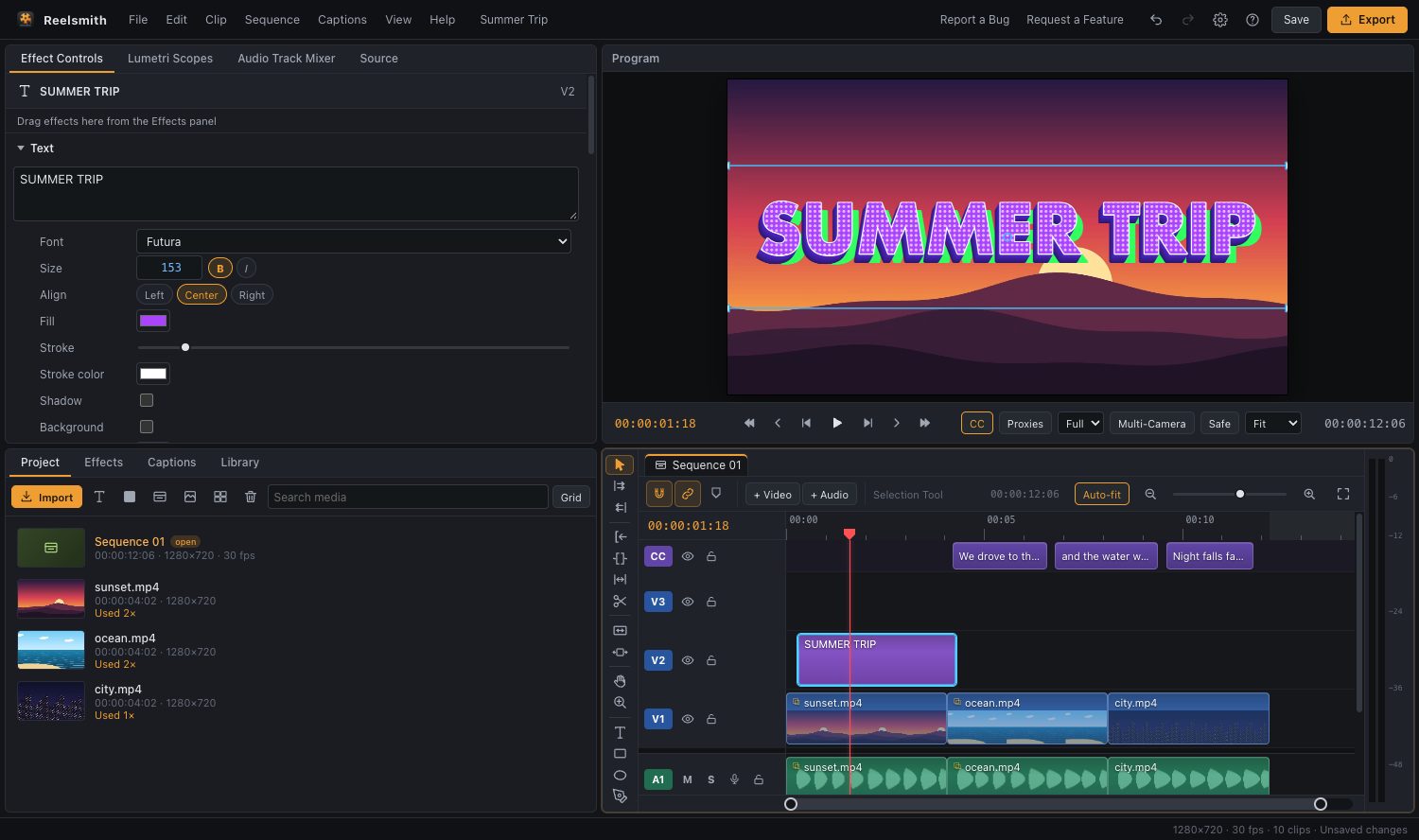
Turn the best moment of a video into a looping GIF for chats, documentation or social posts. Reelsmith converts on your own computer, so the video is never uploaded.
How to convert a video to GIF
- Click Open the tool above and import your video.
- Drag it onto the timeline, then trim it to the moment you want (drag the clip's edges). GIFs of 2–10 seconds look best.
- Choose File ▸ Export as GIF… (or click Export as GIF in the guide).
- Pick a Size — 480 px wide is a good default — and a Frame rate: 15 fps is smooth; 10 fps makes smaller files.
- Click Export GIF and save the file.
Make it better than a plain conversion
- Add text: press T and type a caption — titles are part of the GIF. See add text to a video.
- Speed it up: set 200 % in Clip ▸ Speed/Duration… to fit more into a short loop.
- Boomerang loop: place the clip, then a reversed copy (Clip ▸ Reverse Clip) right after it.
- Crop to the action: apply Crop from Effects ▸ Video Effects.
Questions
Is the GIF converter free?
Yes — no account, no watermark, no limits.
Why is my GIF so large?
Size grows with width, frame rate and length. Try 320–480 px, 10–15 fps and fewer seconds.
Can I make a GIF from part of a long video?
Yes. Set In and Out points with I and O, then choose Sequence In/Out as the range.
More: Export a GIF or audio only.
Try it now — free, no sign-up.Reelsmith runs in your browser. Your videos are never uploaded.
Open the editor