 Reelsmith
Speed Up or Slow Down a Video
Speed up a video or make slow motion online for free: set 200%, 400% or 50%, change one part only, and keep the sound in sync. Runs in your browser.
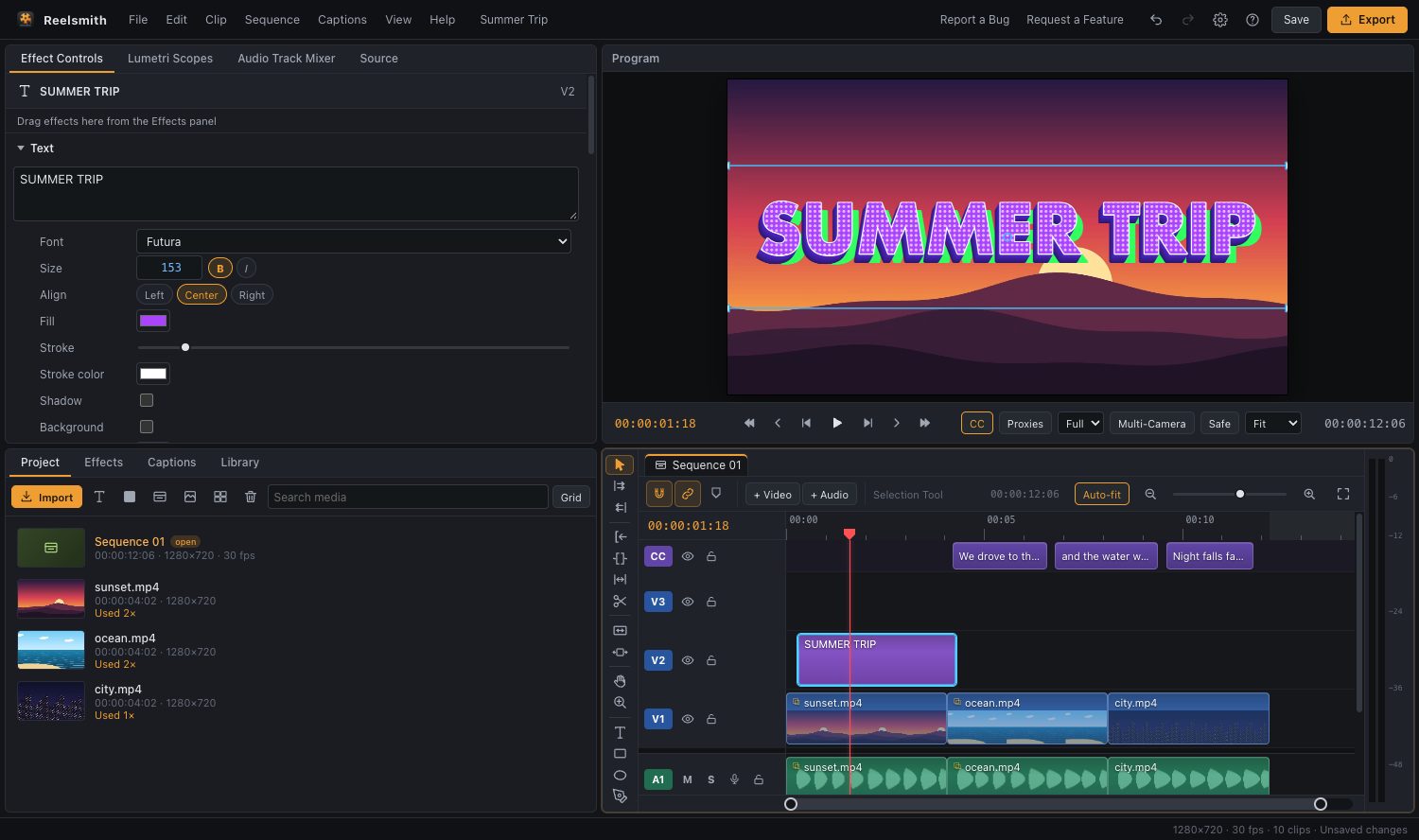
Make a time-lapse, skip the boring part or create dramatic slow motion. Change a clip's speed in seconds — free, in your browser.
How to speed up a video
- Click Open the tool above and import your video.
- Drag it onto the timeline and select it.
- Choose Clip ▸ Speed/Duration… (⌘R / Ctrl+R).
- Enter 200 for twice as fast, 400 for four times — or 50 for half-speed slow motion.
- Click Export.
You can also set Speed in Effect Controls ▸ Time, with quick buttons for 25 %, 50 %, 100 %, 200 % and 400 %.
Change the speed of one part only
Press ⌘K (Ctrl+K) to split the clip at the start and end of the part, then change the speed of that piece only. For a smooth speed ramp, see Freeze frames, reverse and speed ramps.
Tips
- Sped-up speech sounds high-pitched. Mute it, or replace it with music.
- Slow motion looks smoothest from footage filmed at 60 fps or more.
- Combine a slow-motion moment with Clip ▸ Add Frame Hold for a freeze frame.
Questions
How do I make a video 2x faster?
Set the speed to 200 % in Clip ▸ Speed/Duration….
Can I speed up a video on my phone?
Yes. Tap the clip, open the Edit sheet and use the speed buttons.
Related: reverse a video.
Try it now — free, no sign-up.Reelsmith runs in your browser. Your videos are never uploaded.
Open the editor